
Patient records
Searchable profiles with contact details, notes, treatment plans, photos, patient files and complete history.
Features
BerryDent connects clinical records, administration, finance and data protection without making the interface feel unfamiliar.
Keep clinical context connected from reception to follow-up.
Searchable profiles with contact details, notes, treatment plans, photos, patient files and complete history.
Record treatment, clinical notes, charges, payments and balances with accurate financial calculations.
Schedule by day, week or month with patient, doctor, purpose, duration, status and overlap awareness.
Permanent or primary dentition, Universal or FDI numbering, multiple labels and 12 supported tooth statuses.
Create branded prescriptions with doctors, signatures, medicine templates, advice, PDF export and printing.
Import, label, search, preview and organise images, radiographs, PDFs and documents in patient folders.
See what needs attention and keep the team moving.
Review revenue, activity, recent visits, payments, balances and operational alerts with financial privacy controls.
Manage doctors, qualifications, phone numbers, signatures and a default doctor while preserving historical names.
Follow external work from draft to delivery with shade, due dates, priority, costs, payments and audit history.
Track items, suppliers, batches, expiry dates, reorder levels and five types of stock movement.
View radiographs with pan, zoom, brightness, contrast, pointer, drawing tools, undo and patient export.
Link WhatsApp Web, manage templates and reminder rules, and send to patient or doctor audiences with logs.
Keep clinic data portable, recoverable and under your control.
Patient information stays on clinic-controlled systems instead of a BerryDent-hosted patient cloud.
Configure independent local or Google Drive targets, schedules, retention and manual backups.
Connect authorised workstations through your local network with discovery, tokens and shared clinic files.
Create complete clinic backups, restore existing BerryDent data and export useful clinic information.
Keep the same predictable layout with a comfortable visual theme for each working environment.
Use a straightforward Windows installer with shortcuts, built-in updates and clean uninstall support.
Designed for Windows
BerryDent uses standard controls, clear navigation, keyboard-accessible actions and readable typography. The interface stays comfortable and consistent across common clinic screens.
 BerryDent · Launcher
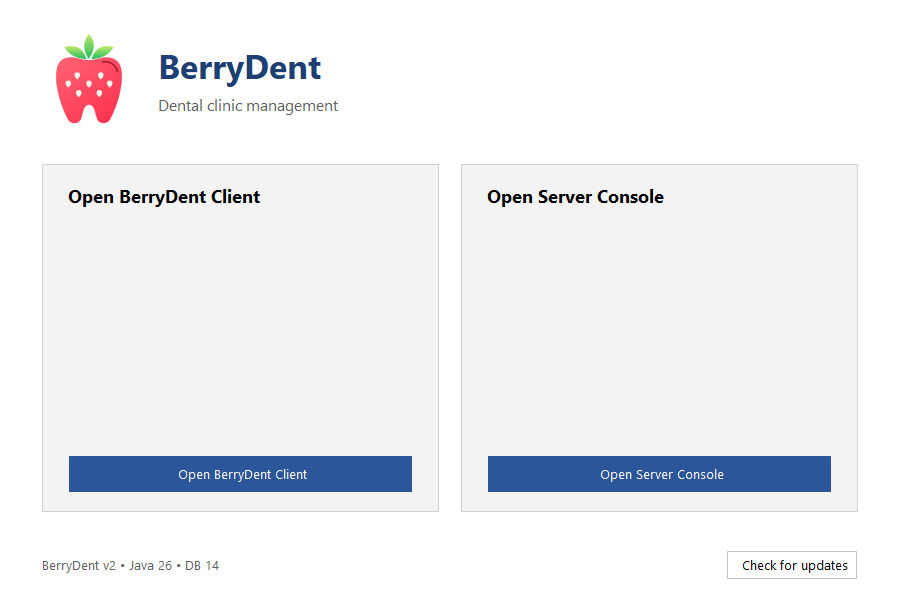
One application, one clinic view